
Everything between “Book now” and “See you Tuesday”.
NextiaBooking handles the scheduling rules, so your team doesn’t have to.
Your booking page, your way
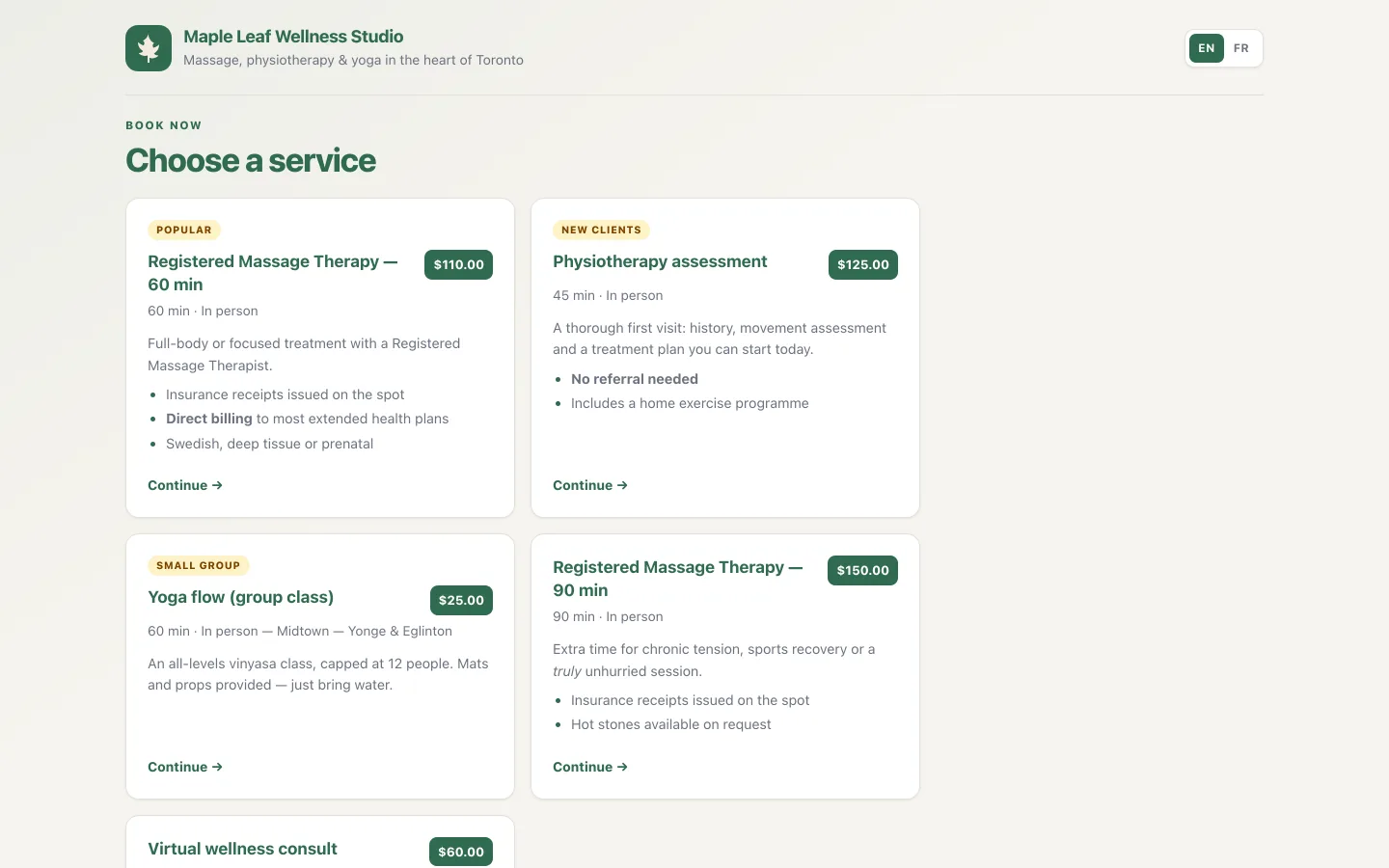
Every business gets a public booking page with its own link, a QR code and an embeddable widget for your website. Choose the classic, compact or detailed style.
- Bilingual: clients switch between English and French on the page
- Your logo, brand colour, footer and an optional page password
- Service badges and simple formatting in descriptions
- Option to hide the page from search engines
Services and staff, set up once
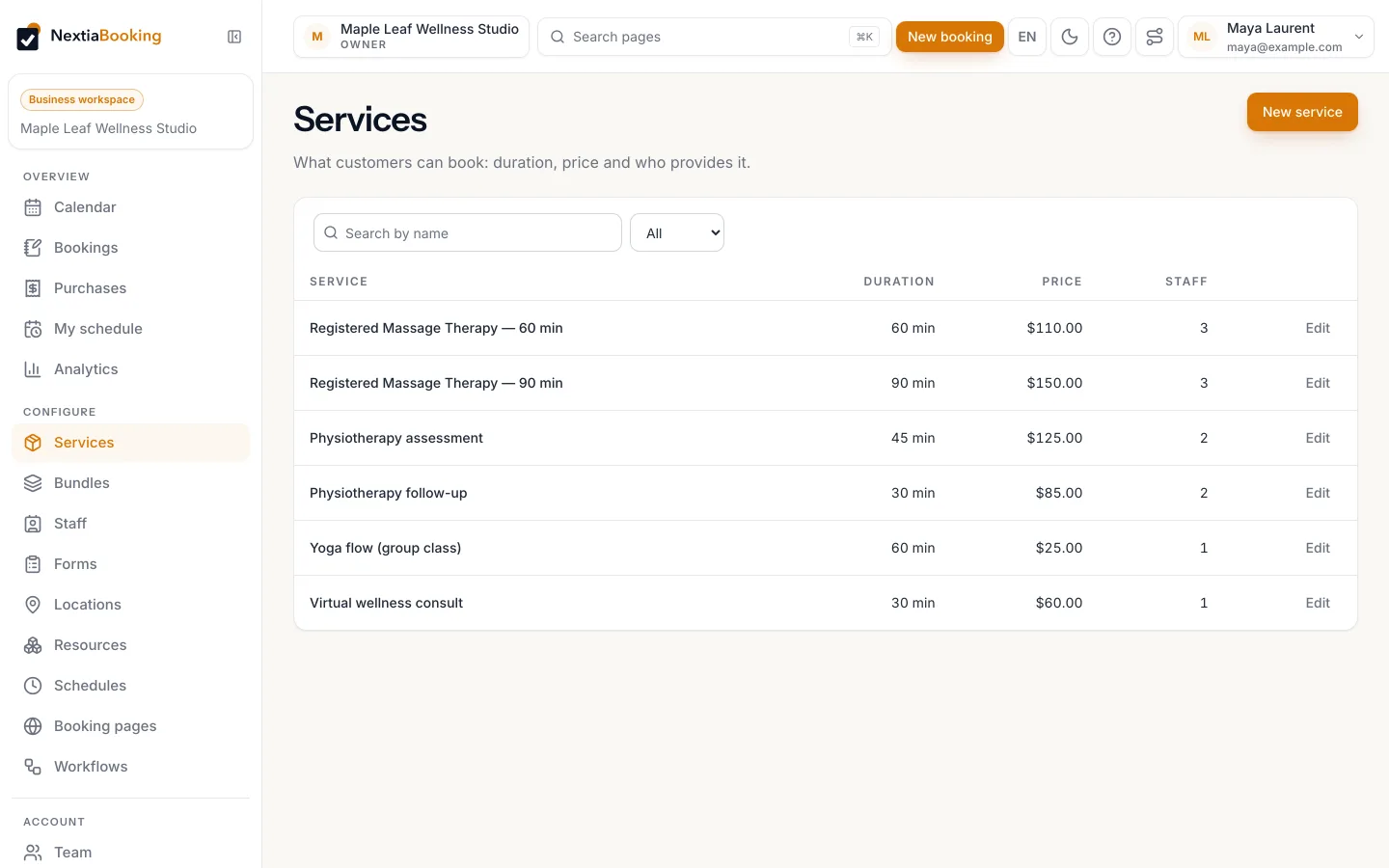
Define each service’s duration, price, buffers, minimum notice and how far ahead it can be booked. Offer it in person, by video or as a phone call.
- Staff with their own time zones, colours and working hours
- Staff categories clients can choose by — for example, language spoken
- Team members update their own hours; owners are notified of changes
- Starter templates for hair salons, driving schools, clinics and consultancies
Every step only offers what’s really possible
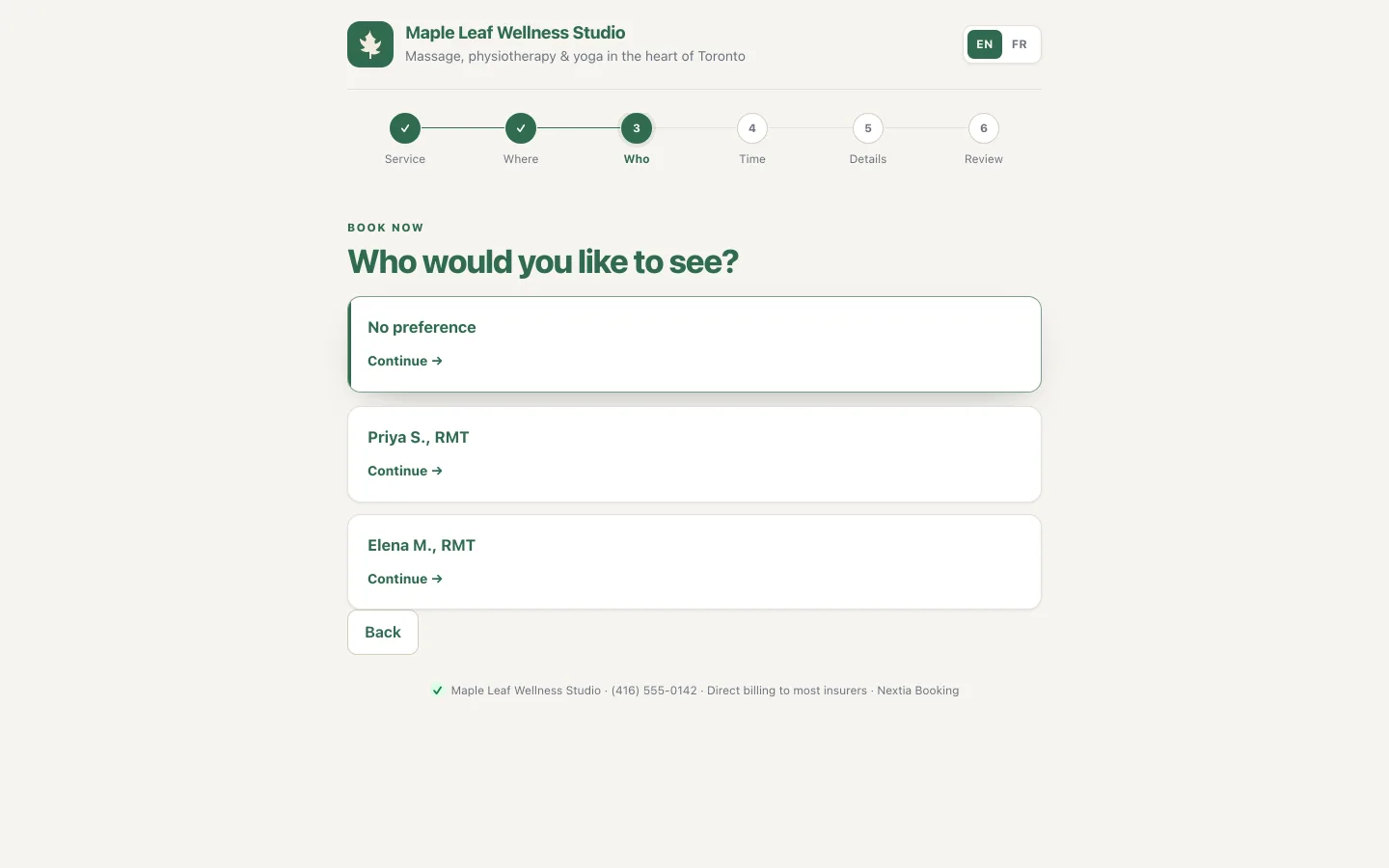
Clients can start with a location, a staff member, a resource or a date. Each step is filtered by what they chose before, so they never pick a combination that can’t happen.
- Any available, round robin, least busy, priority or “same as last time” staff assignment
- Cancellation and reschedule cut-offs, and daily limits per staff member
- Several services in one visit, booked back to back
- Clients can request a time; you propose one
Works with the calendar you already use
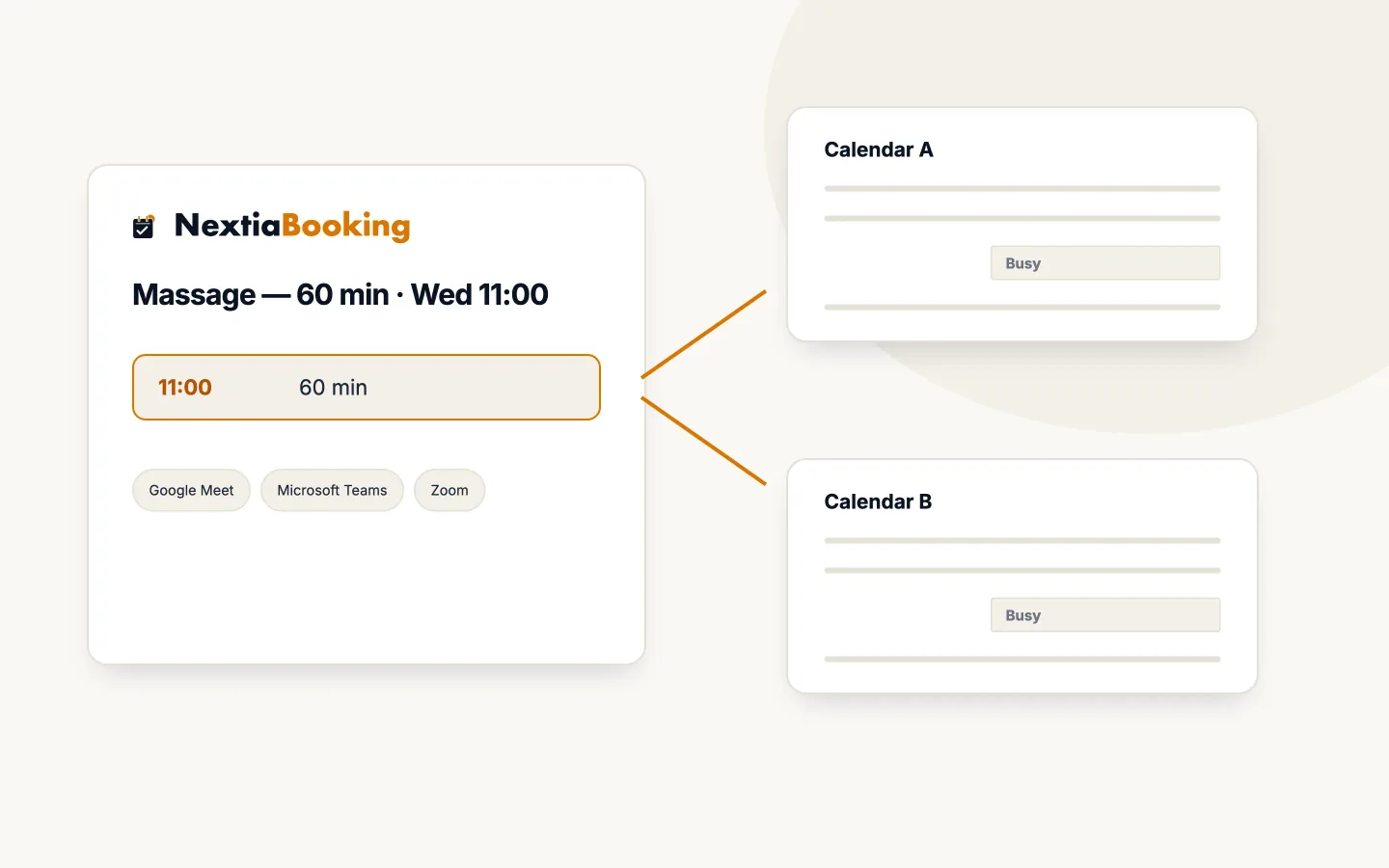
Each staff member can connect Google Calendar or Microsoft 365. Busy times block booking slots, and new bookings are added to the calendar.
- Google Meet and Microsoft Teams links through the connected calendar
- Zoom, connected once for the business
- A fixed online-room link also works, with no provider
- Calendar invitations attached to confirmation, change and cancellation emails
Group sessions, waitlists and recurring bookings
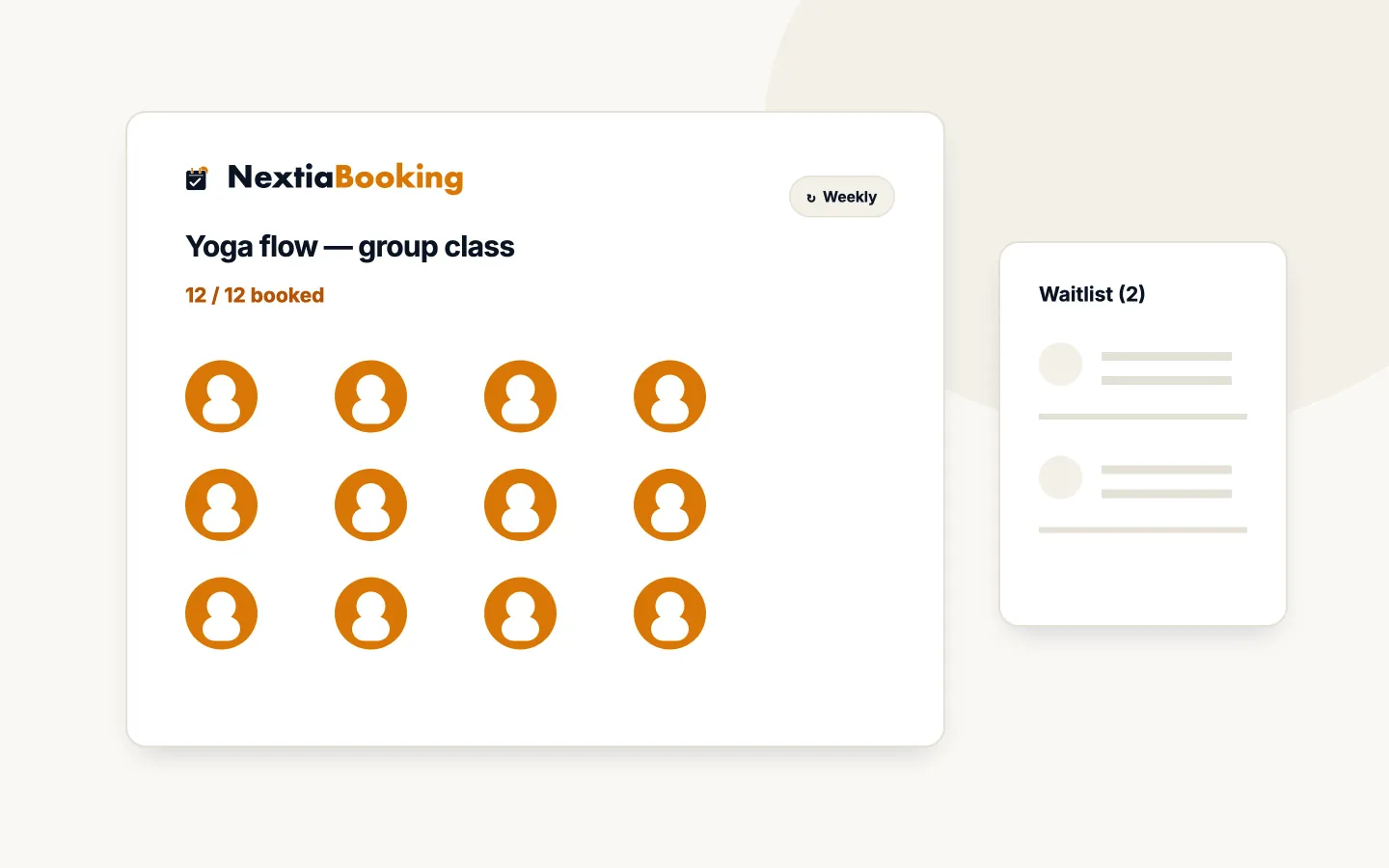
Run classes with a capacity and a minimum number of attendees. When a class is full, clients join the waitlist and receive a time-limited link when a spot opens.
- Recurring bookings weekly, every two weeks or monthly
- Cancel a single visit or the whole series
- Your team can offer a waitlist spot by hand
Bundles, session credits and promo codes
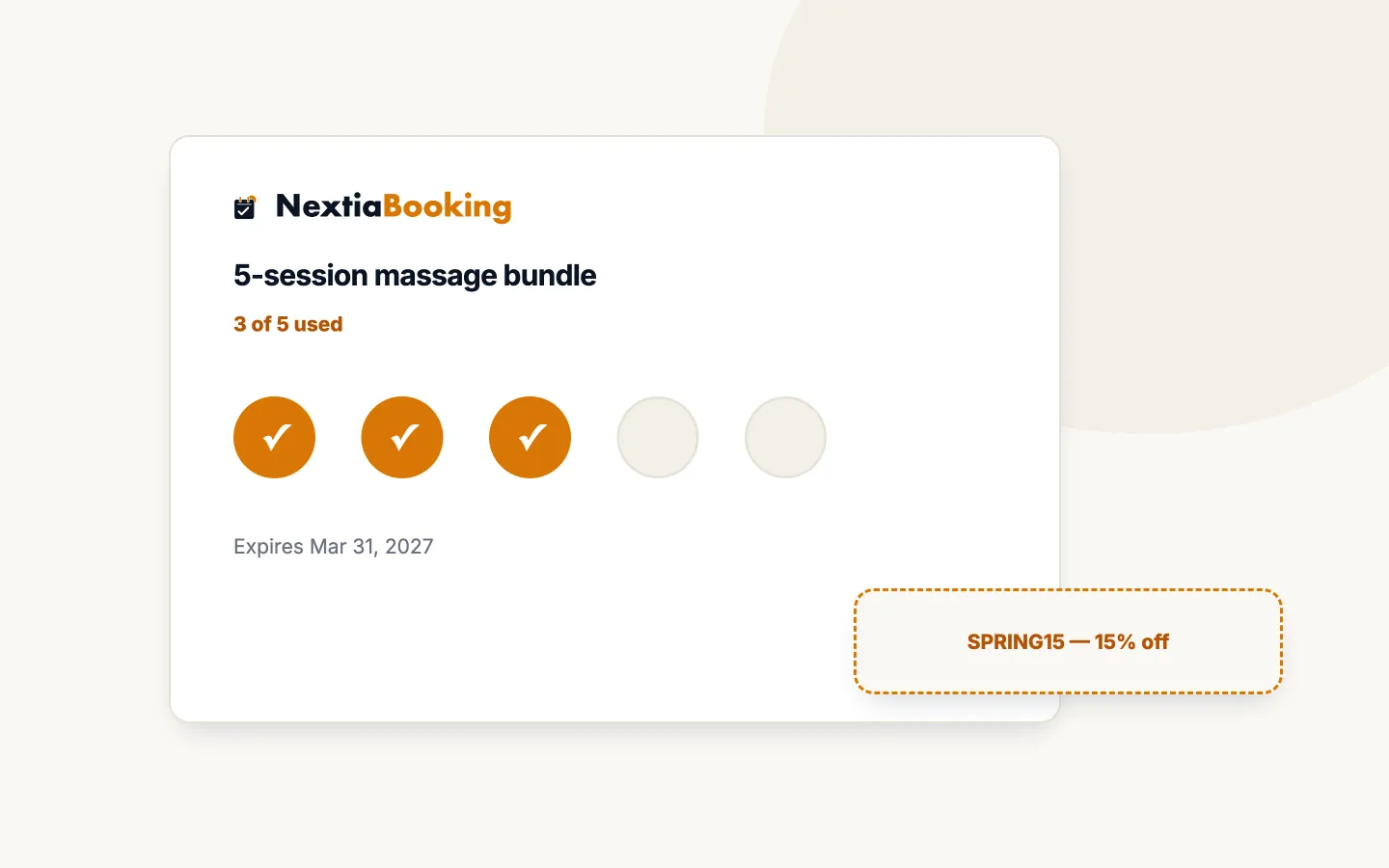
Sell multi-session bundles and courses, track session credits and expiry, and send clients a link to schedule sessions later.
- Promo codes as a percentage or fixed amount, with usage limits
- Limit a promo code to one service
- A purchases view for every bundle sold
Fewer no-shows, less follow-up
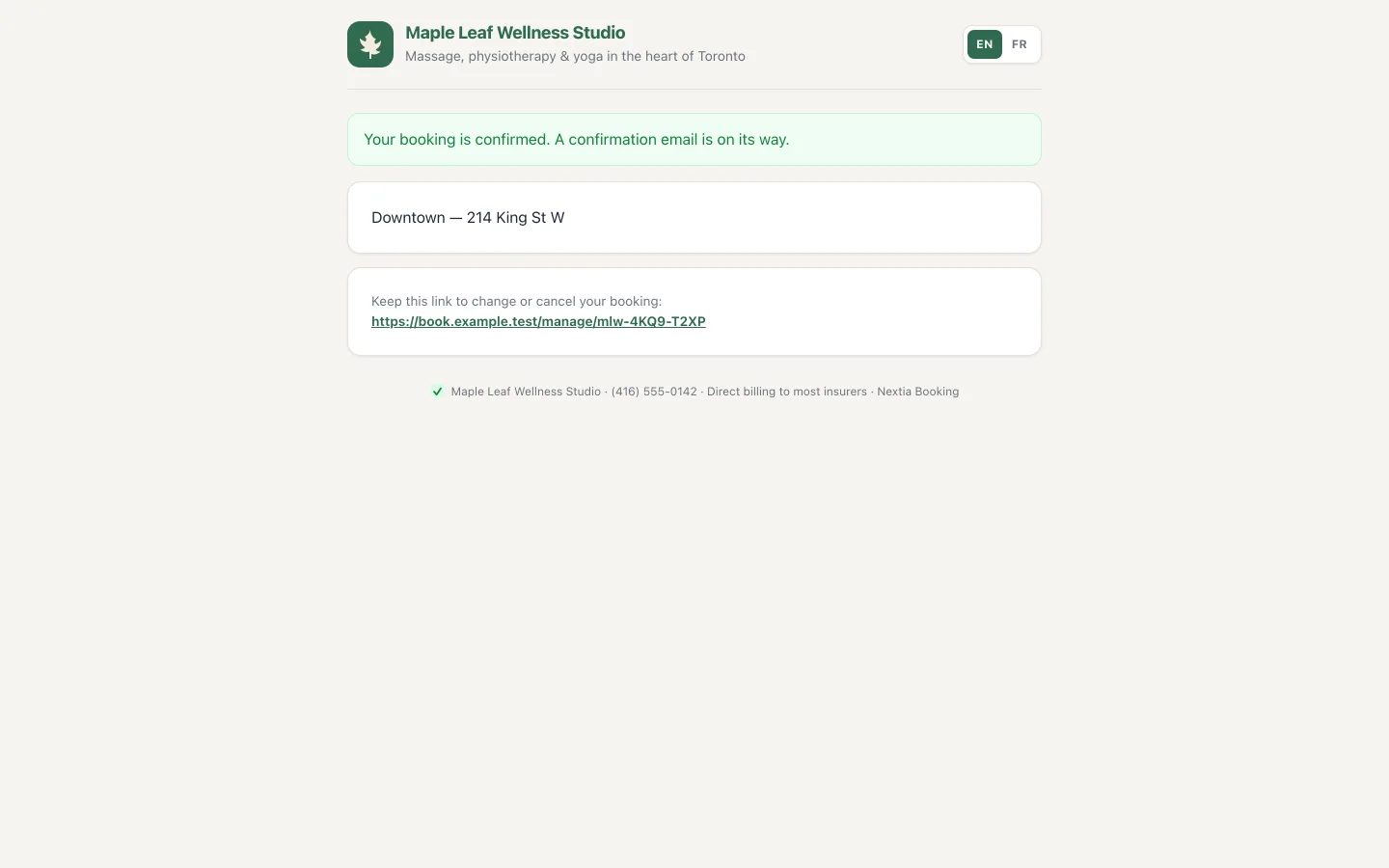
Clients get an email confirmation with a calendar invitation, and reminders before the appointment. Each service can have its own notification settings.
- Clients can cancel from their confirmation; rescheduling is handled by your team
- Workflows: plain-language automations with starter templates
More than one place, more than one room
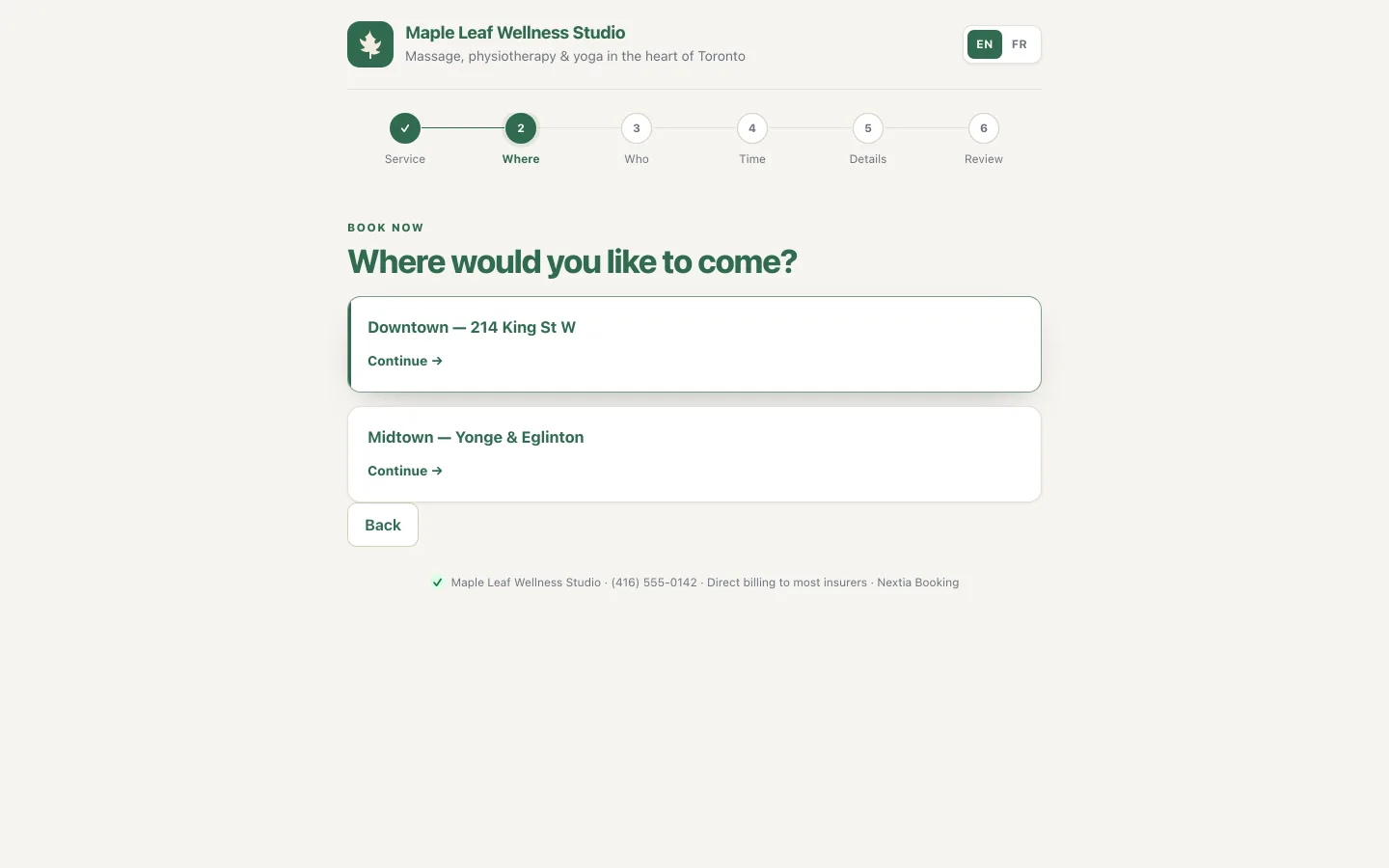
Each location has its own hours and closures, and clients choose where they want to come. Rooms, vehicles and equipment are booked along with the appointment, so they’re never double-booked.
- Pooled or named resources
- Preparation and turnaround time
- Take a resource out of service for maintenance
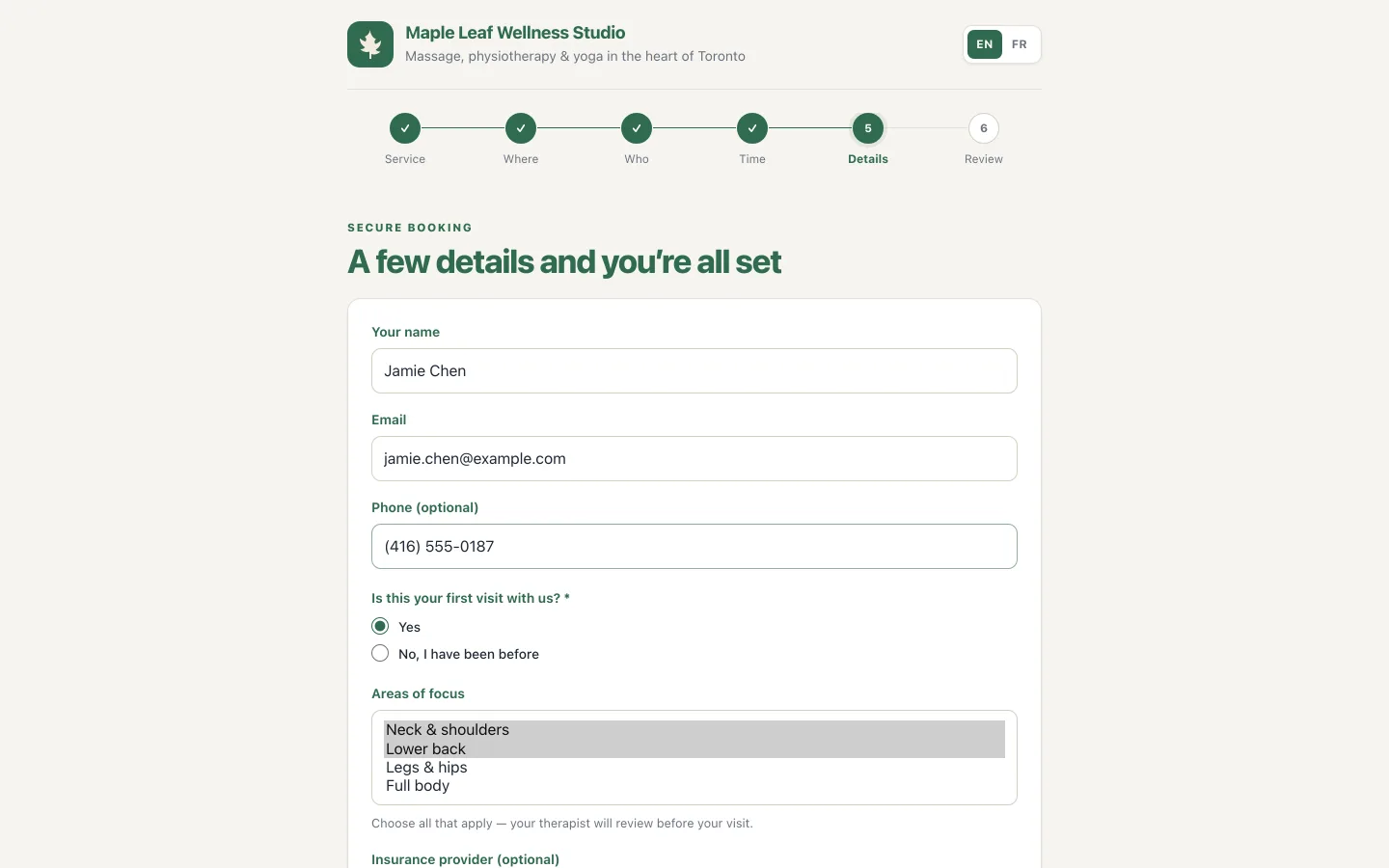
Ask exactly what you need — in both languages
Build your own booking form with twelve field types, questions that only show when relevant and file uploads. Forms are versioned and can only be published once every label exists in English and French.
- A review step before the client confirms
- Routing forms, personal links, collective events, meeting polls and single-use links
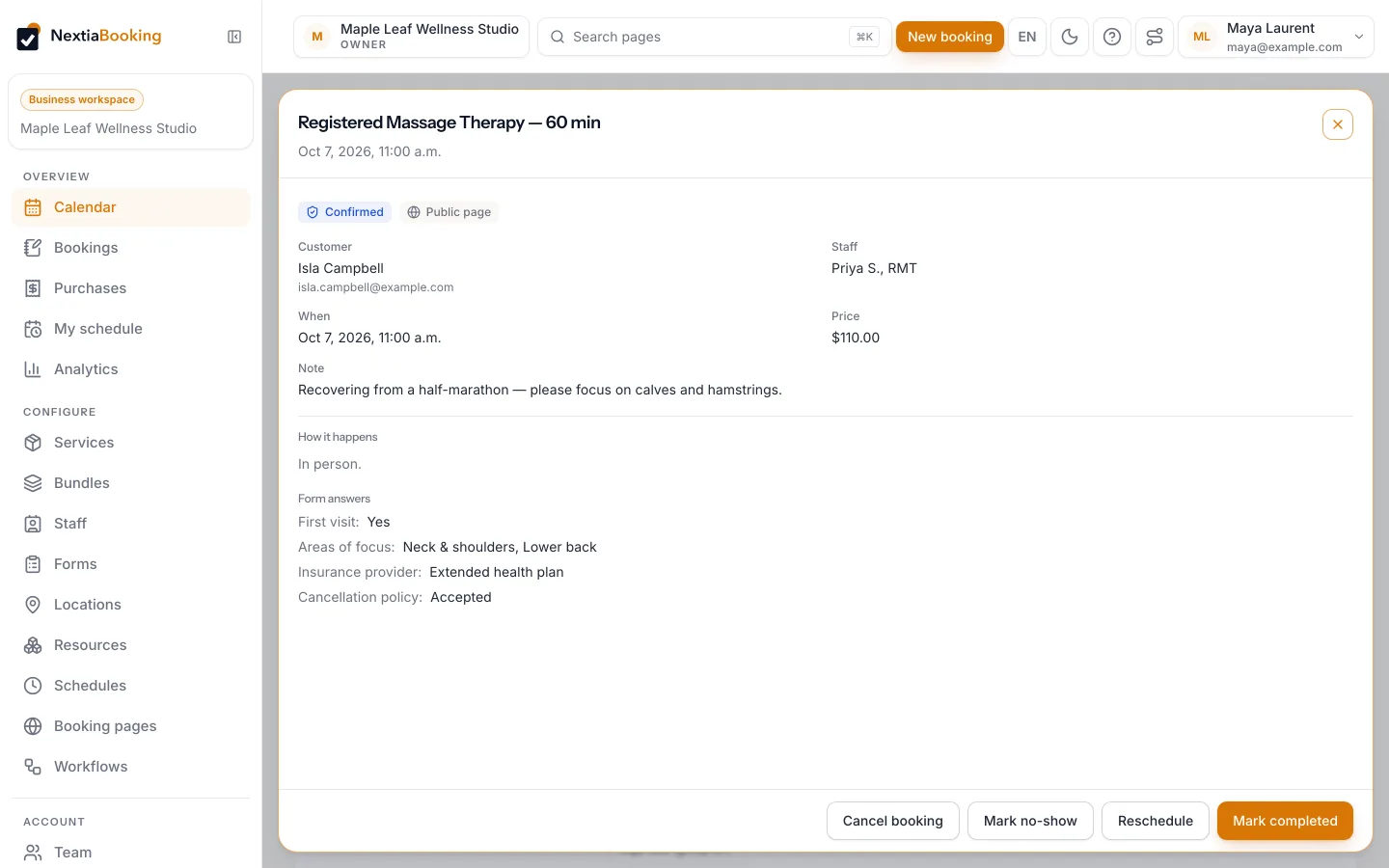
Run the day from one screen
See the whole team’s week, open any booking for its form answers and notes, and mark it completed or a no-show.
- Calendar, bookings list and purchases
- Analytics with CSV export — no third-party tracking pixels
- Help centre and guided tours, in English and French
Not available at launch
We’d rather be clear about what NextiaBooking doesn’t do yet:
- Online deposits or payments from clients
- SMS or WhatsApp reminders (email only)
- Native iPhone and Android apps (coming soon; use the web app)
Let clients book the time that actually works.
Publish a booking page, connect your calendar and let reminders do the follow-up.
14-day free trial · One Nextia account for every Nextia app · Data stored in Canada